Allen Bradley PLC Software Studio 5000 Explained: Download Guide for 2026
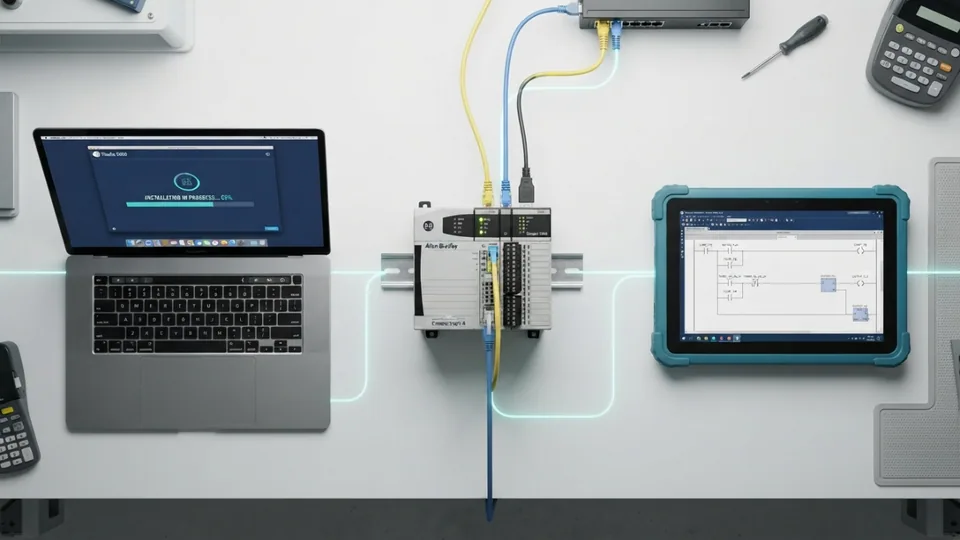
Allen Bradley Studio 5000 Explained
If you're working with Allen Bradley PLCs, you've probably come across Studio 5000 Logix Designer. It's the primary software used to program, configure, and maintain Logix-based controllers in industrial automation. Whether you're an experienced controls engineer or just starting with PLC programming, understanding how Studio 5000 works and where to download it safely is essential.
Many people search for a free version of Studio 5000, but the information online is often misleading. This guide explains what the software does, how to get it legally, and which alternatives are available if you're learning PLC programming.
What Is Studio 5000?
Studio 5000 Logix Designer is an industrial programming platform developed by Rockwell Automation for Allen Bradley Logix controllers. It replaced the older RSLogix 5000 software while keeping the same core programming environment with additional features and better integration.
The software is widely used to program:
ControlLogix PLCs
CompactLogix PLCs
GuardLogix safety controllers
SoftLogix systems
Manufacturing plants, automotive production lines, food processing facilities, oil and gas operations, and many other industries rely on Studio 5000 to build and maintain automated systems.
Main Features
Studio 5000 provides everything needed to develop and manage industrial control projects from a single workspace.
Some of its most useful features include:
Ladder Logic programming
Structured Text programming
Function Block Diagram support
Sequential Function Charts
Online program editing without stopping production
Reusable Add-On Instructions (AOIs)
Integrated device configuration
Easy project management and diagnostics
These tools help engineers reduce programming time while making PLC applications easier to maintain.
Can You Download Studio 5000 for Free?
The simple answer is no.
Rockwell Automation does not provide a permanently free version of Studio 5000 Logix Designer. A valid software license is required for long-term use.
If you come across websites offering cracked, patched, or torrent versions, avoid downloading them. Besides violating software licensing agreements, these files often contain malware or modified installers that can compromise your computer and industrial network.
Using the official version is always the safest and most reliable option.
Official Download Options
The only legitimate place to download Studio 5000 is through Rockwell Automation's official website.
Before downloading, you'll need:
A free Rockwell Automation account
A valid software license or activation
The correct software version that matches your PLC firmware
After logging into the download portal, choose the appropriate Studio 5000 version, download the installer, and complete the installation using FactoryTalk Activation Manager.
Free and Low-Cost Ways to Access Studio 5000
Although there isn't a permanently free edition, Rockwell offers several legal options that allow users to evaluate or learn the software.
7-Day Grace Period
After installation, Studio 5000 can typically operate for a limited grace period before activation is required. This gives users time to explore the software or complete short-term work.
Evaluation Licenses
Authorized Rockwell Automation distributors may provide temporary evaluation licenses for businesses or customers testing the software before purchasing.
Educational Programs
Many colleges and technical institutions receive discounted or academic licenses through Rockwell Automation, making Studio 5000 accessible for students and instructors.
Connected Components Workbench
If you're learning PLC programming and don't want to purchase Studio 5000 immediately, Connected Components Workbench (CCW) is an excellent starting point.
CCW is a free programming environment designed for Micro800 PLCs and supports standard IEC 61131-3 programming languages, including Ladder Logic and Structured Text.
While it isn't a replacement for Studio 5000, it provides valuable hands-on experience for beginners without any licensing cost.
System Requirements
Before installing Studio 5000, make sure your computer meets the recommended specifications.
Windows 10 or Windows 11 (64-bit)
Intel Core i5 processor or better
8 GB RAM minimum (16 GB recommended)
At least 20 GB of available storage
Stable internet connection for license activation
Display resolution of 1280 × 1024 or higher
Always verify compatibility with your controller firmware before downloading a specific software version.
How to Install Studio 5000
Installing the software is straightforward.
Create a Rockwell Automation account.
Sign in to the official download portal.
Download the Studio 5000 version compatible with your controller.
Run the installer.
Install FactoryTalk Activation Manager if prompted.
Activate the software using your license.
Launch Studio 5000 and create or open your PLC project.
Choosing the correct software version is important because different PLC firmware revisions require matching Studio 5000 releases.
Is Studio 5000 Worth It?
For professionals working with Allen Bradley PLCs, Studio 5000 remains the industry standard. It offers advanced programming tools, reliable diagnostics, and seamless integration with Rockwell Automation hardware.
Although the software requires a paid license, it provides the stability, support, and long-term reliability expected in industrial environments. Engineers who only need to learn PLC programming can begin with Connected Components Workbench before moving to Studio 5000 for commercial projects.
Main Thoughts
Studio 5000 Logix Designer is the official programming platform for Allen Bradley Logix controllers and one of the most widely used PLC development tools in industrial automation. While there is no legitimate free full version, Rockwell Automation provides legal ways to evaluate the software, and beginners can start with Connected Components Workbench at no cost.
When downloading Studio 5000, always use Rockwell Automation's official resources and avoid unofficial installers or cracked versions. Using licensed software ensures you receive updates, technical support, and a secure development environment for your automation projects.