Advantages of MeetShaxs Software: Why Teams Are Making the Switch
Admin · Aug 3, 2026

Most teams don't fail because people aren't working hard. They fail because work is scattered across too many tools. One app handles meetings. Another handles chat. A third tracks tasks. By the time everyone finds the right file or the right thread, half the morning is gone.
That's the gap MeetShaxs software was built to close. It brings meetings, messaging, task tracking, and file sharing into one workspace, and it layers AI on top to cut down on busywork. Below, we'll walk through the real advantages of MeetShaxs software, where it shines, and where it has limits, so you can decide if it's the right fit for your team.
One Workspace Instead of Five Logins
The clearest advantage of MeetShaxs software is consolidation. Instead of juggling a video app, a messaging app, a task board, and a file drive, everything lives in one dashboard.
This matters more than it sounds like on paper. Every time someone switches apps, they lose a few seconds of focus. Multiply that across a workday, and a team can lose hours to nothing but app-hopping. MeetShaxs keeps the meeting, the follow-up chat, and the resulting task assignment in the same place, so context never gets lost between steps.
For smaller teams, this also means fewer subscriptions to manage. Instead of paying for a video tool, a chat tool, and a project tracker separately, one plan covers the core workflow.
AI That Actually Reduces Work
A lot of software claims to use AI. Fewer platforms use it in a way that saves real time. MeetShaxs leans on AI mainly to handle two things: meeting notes and follow-up summaries.
Instead of someone manually typing notes during a call, the system generates a transcript and a summary automatically. Action items get flagged, so nobody has to comb back through a 45-minute recording to remember who agreed to do what. This is one of the more practical advantages of MeetShaxs software for busy managers, since it turns a meeting into a document without extra effort.
Automated summaries also help remote teams across time zones. Someone who missed a call can read the summary instead of watching a full recording, which keeps everyone informed without demanding everyone's time.
Built-In Project and Task Management
Video calls and chat are only half the picture. MeetShaxs also includes task assignment, deadline tracking, and progress monitoring, so decisions made in a meeting can turn into tracked work immediately.
This closes a common gap in team workflows. A lot of tools are good at communication but weak at follow-through, so action items get lost in a chat thread and never make it onto anyone's actual to-do list. With task management built into the same platform, there's less room for that kind of drop-off.
Managers get a dashboard view of who's working on what and what's overdue, without needing a separate status meeting just to find out.
Clearer Reporting and Real Outcome Data
Plenty of collaboration tools show you activity: messages sent, meetings held, logins recorded. That's not the same as knowing whether work is actually moving forward.
MeetShaxs includes built-in analytics that track outcomes rather than just activity. Teams can see how long tasks take, where bottlenecks form, and which projects are falling behind schedule. Leadership gets data they can actually use to justify the investment, and teams get visibility into their own progress, which tends to be more motivating than a vague status update from a manager.
Scales Without Forcing a Migration
Switching platforms is expensive. It costs time to migrate data, retrain staff, and rebuild workflows, and most teams put it off for as long as possible even when their current tools are frustrating.
One of the more overlooked advantages of MeetShaxs software is that it's built to grow with a team. A five-person startup and a two-hundred-person company can both run on the same platform, just with different configurations. That means teams don't need to plan for a painful migration every time they cross a headcount milestone.
Security and Compliance Features
For teams handling sensitive client data, security isn't optional. MeetShaxs includes standard protections like encrypted data storage and permission-based access, so not everyone on the team automatically sees everything.
This matters for industries with compliance requirements, where controlling who can view or edit certain files isn't just good practice, it's a legal obligation. It won't replace specialized compliance software for highly regulated industries, but for most small and mid-sized teams, the built-in protections cover the basics well.
How MeetShaxs Compares to Running Separate Tools
Factor | Separate Tools (Video + Chat + Task App) | MeetShaxs Software |
Number of subscriptions | 3 to 5 separate tools | One unified platform |
Meeting notes | Manual, often skipped | AI-generated automatically |
Context switching | Frequent, between apps | Minimal, single dashboard |
Task follow-through | Easy to lose in chat | Directly tied to meetings |
Reporting | Activity-based, scattered | Outcome-based, centralized |
Onboarding new staff | Multiple logins to explain | One platform to learn |
The table isn't meant to suggest that every standalone tool is worse at its specific job. A dedicated task app can still outperform an all-in-one platform on a single narrow feature. The advantage of MeetShaxs is in reducing the friction between tools, not in beating every specialist app at its own game.
Where MeetShaxs Has Limits
No platform fits every use case, and it's worth being honest about that. If your team relies on specialized compliance software, industry-specific CRM workflows, or dedicated PDF Tools for editing documents, you'll likely still need to connect MeetShaxs to those tools rather than replace them outright.
Teams that already rely on separate Image Tools for resizing or converting graphics, or Text Tools for cleaning up and formatting written content, will probably keep those workflows running alongside MeetShaxs rather than dropping them entirely.
The same goes for engineering teams that depend on dedicated Developer Tools for code repositories and deployment pipelines. MeetShaxs is built for coordination and communication, not as a replacement for specialized technical tools.
It's also a cloud-based platform, so like most modern collaboration software, it needs a stable internet connection for full functionality. Offline access is limited, which matters for teams that travel frequently or work in areas with unreliable connectivity.
Is It Worth Switching?
The honest answer depends on what's actually slowing your team down. If the biggest problems are communication, coordination, and visibility, the advantages of MeetShaxs software line up well with those pain points. Fewer app switches, automated meeting notes, and centralized task tracking all address real, everyday friction.
If your struggles are more about unclear processes or low team engagement, no software fixes that on its own. MeetShaxs is a tool, not a management strategy.
For teams on the fence, the most practical approach is a real test run. Use it on one active project for 30 days, track how many hours get saved, and compare it against how things worked before. For more comparisons like this one, check out our Latest Blogs for ongoing reviews of collaboration and productivity software.
Related posts
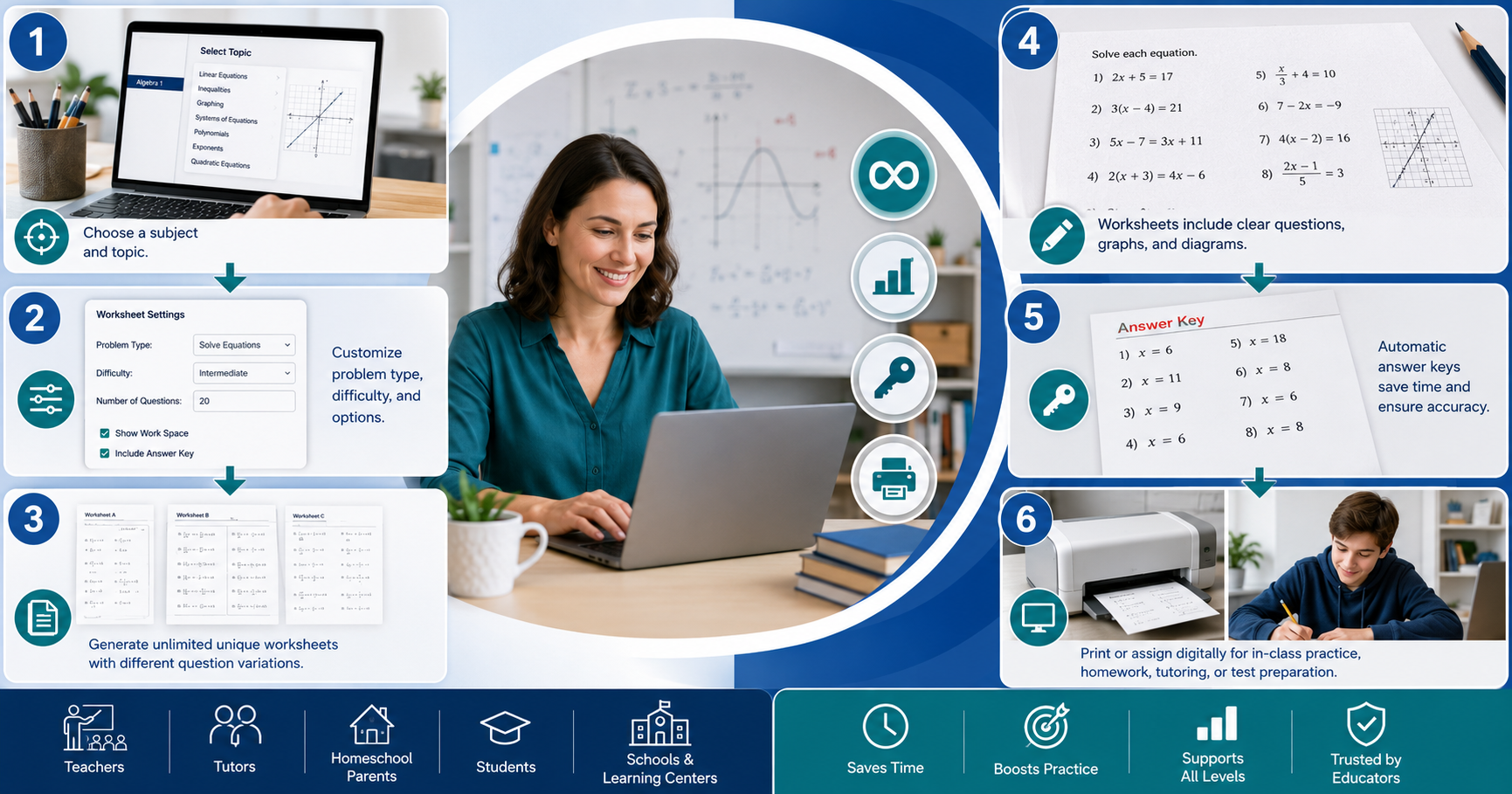
Kuta Software Review — What It Is, How It Works, and Where to Use It Safely
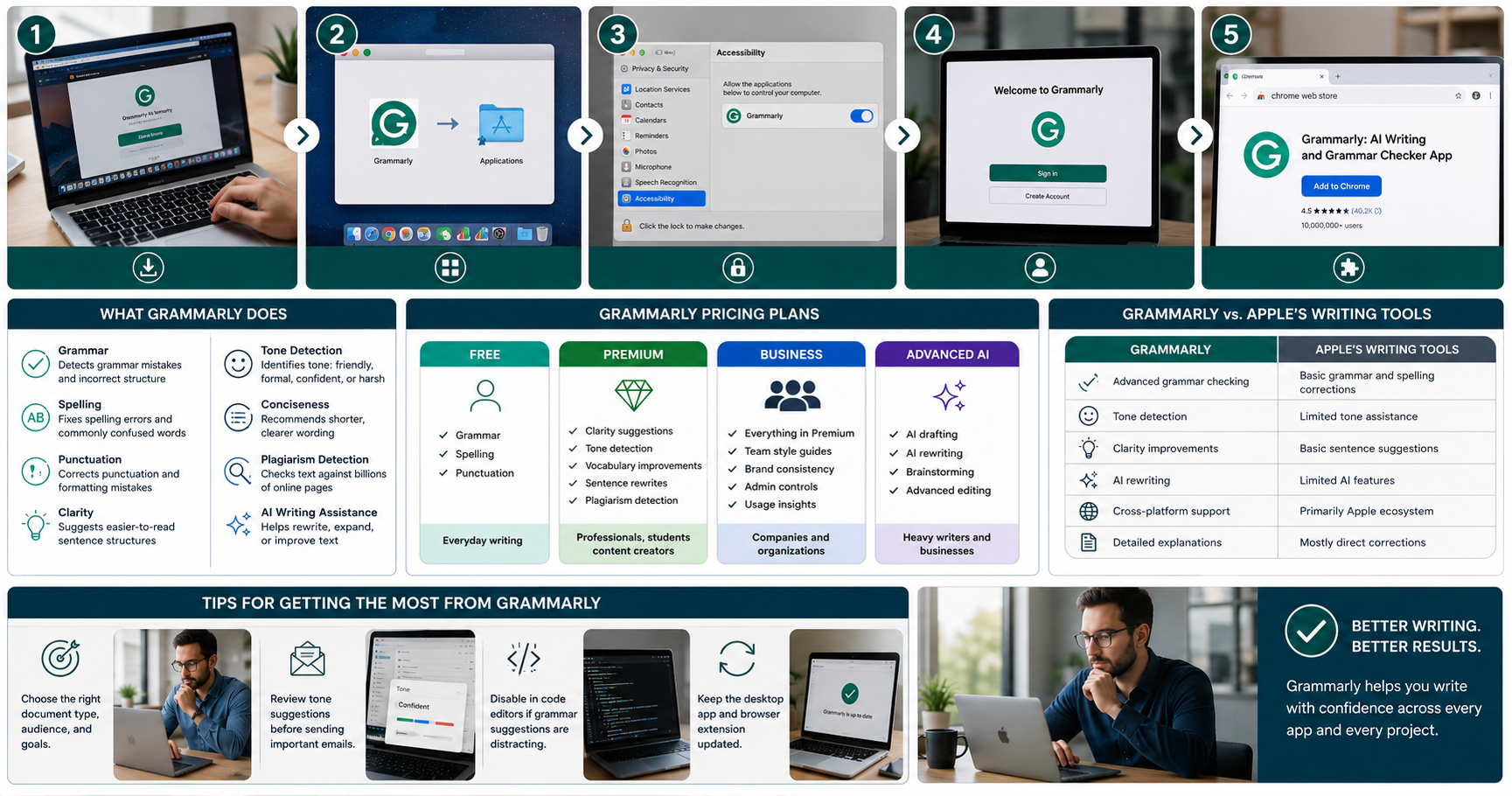
Grammarly Software for Mac: Setup, Features, and Whether Its Worth It in 2026
Grammarly software for Mac adds advanced writing assistance that goes far beyond Apple's built-in spell checker.
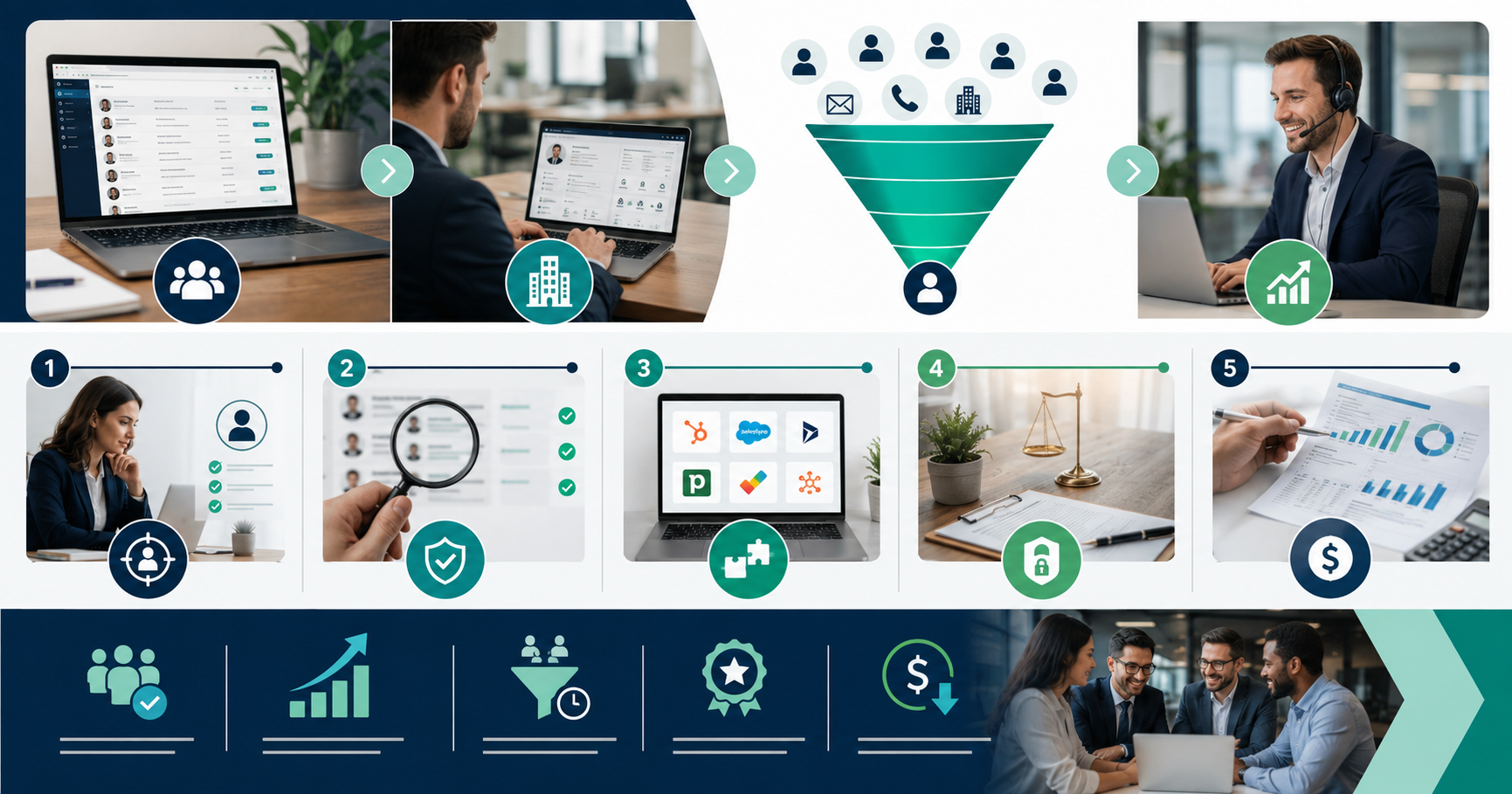
B2B Lead Generation Software: How to Choose the Right Tool in 2026
B2B lead generation software helps businesses identify qualified prospects, improve sales efficiency, and accelerate pipeline growth.
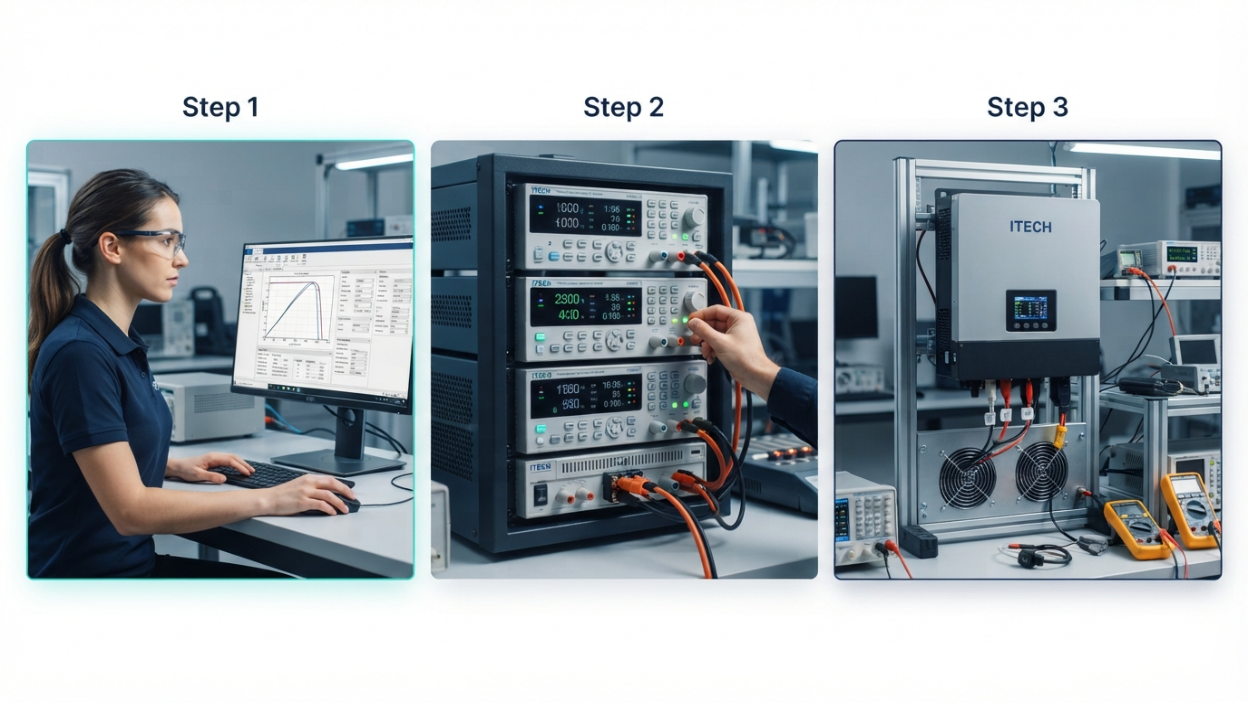
ITECH SAS Software Explained: Features, Applications, and How It Works in Solar Testing (2026)
This article is provided for informational and educational purposes only. We are not affiliated with ITECH Electronic Co., Ltd. (ITECH SAS), nor are we an authorized distributor or representative of the company. All trademarks, product names, and brand names mentioned belong to their respective owners. Any references are made solely to explain the software and its intended use.

How to Classify Software Application Components
By applying these classification methods together, development teams can create cleaner codebases, simplify maintenance, improve collaboration, and build applications that are easier to expand as business requirements change.
Allen Bradley PLC Software Studio 5000 Explained: Download Guide for 2026
Studio 5000 Logix Designer is the official programming platform for Allen Bradley Logix controllers and one of the most widely used PLC development tools in industrial automation. While there is no legitimate free full version, Rockwell Automation provides legal ways to evaluate the software, and beginners can start with Connected Components Workbench at no cost.